How I onboarded a VA in a single afternoon with AI
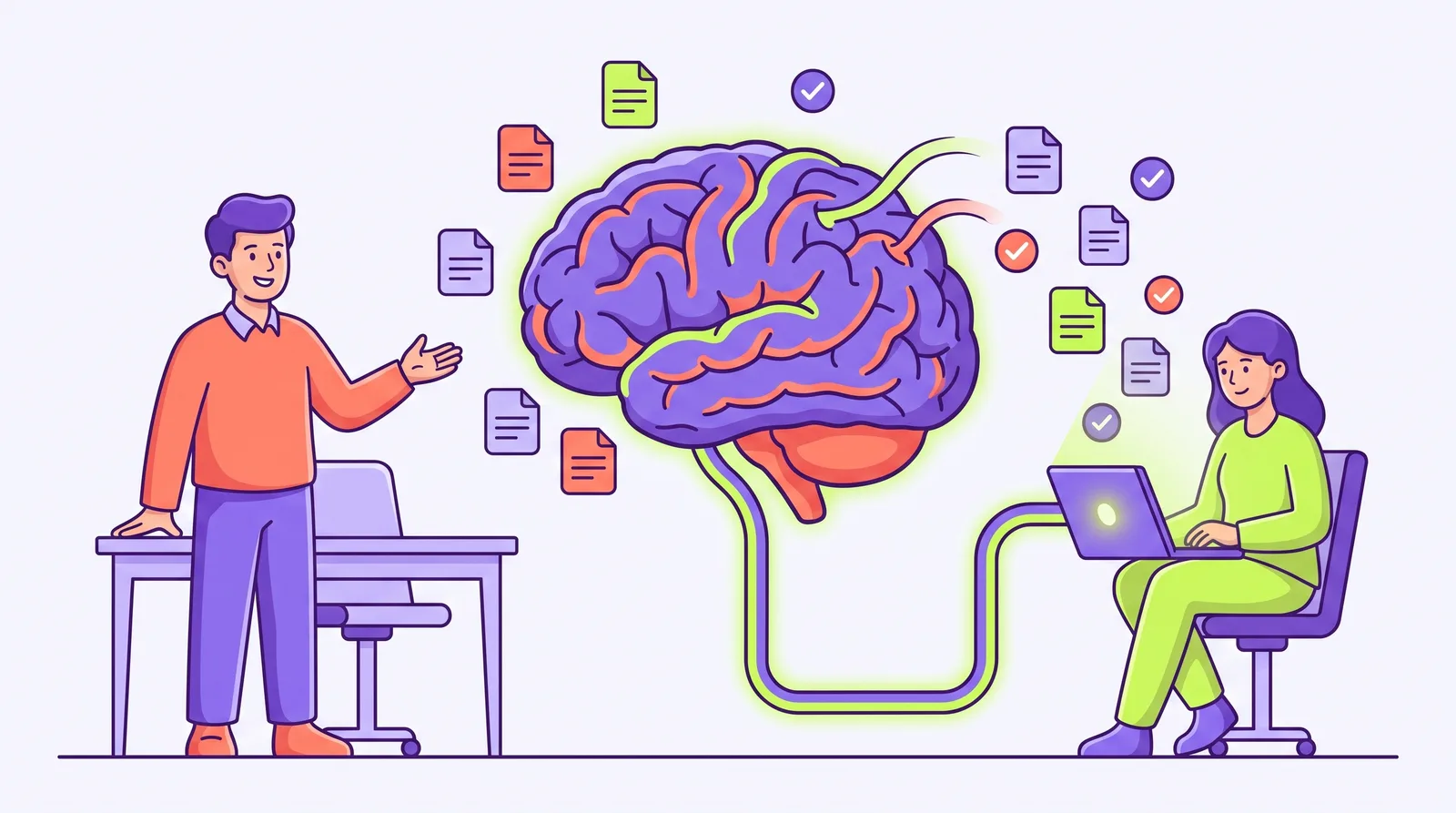
The old version of onboarding a VA went like this. I’d block out the week. I’d write a doc nobody read. I’d get the same five questions over Slack for a month, answer them slightly differently each time, and quietly become the bottleneck I hired someone to remove.
Last month I brought on a new VA and had her running real client work by the end of the afternoon. Not because she’s a genius (she is), and not because I finally wrote the perfect SOP. It’s because I stopped treating onboarding as teaching a person and started treating it as giving her access to a brain that already knew the answers.
Here’s the actual afternoon.
Step 1: Point her AI at what we already know
Everything my business knows already lived in one place — client folders, our voice guide, the “how we do things” notes, the decisions we’d made and why. So the first thing wasn’t a call. It was connecting her AI to that shared brain.
Ten minutes. She pastes a link into Claude, approves access, and now her AI can read everything mine can. No zip files. No “let me find that doc.” No knowledge trapped in my head or my chat history.
Step 2: Let her ask the brain, not me
Then I did the thing that felt wrong for about an hour: I told her to stop asking me and start asking the brain.
“How do we format a client status update?” — the brain has three examples and the rule. “What’s the tone for this client?” — it’s in the voice guide, with the reasoning. “Why did we move this deadline?” — the decision is logged, with the why attached.
Every question she’d normally send me, she sent to her AI instead. And because the answers came from the same source I’d have quoted anyway, they were right. My inbox stayed quiet. She stayed unblocked.
Step 3: Have her do real work, filed where it belongs
By 2pm she was drafting an actual deliverable. Not a practice task — a real one. She had her AI write the first pass, checked it against the examples in the brain, and filed it back into the client’s folder. Done, and now that draft is context for the next person too.
That’s the part that compounds. When she finishes something, it doesn’t vanish into her chat window. It goes back into the brain. The onboarding material for the next VA is just the work this one did.
Why this works when checklists don’t
A checklist is a snapshot of what one person remembered to write down on one day. It goes stale the moment anything changes, and it can’t answer a follow-up.
A shared brain is different. It holds the files, the decisions, and the reasoning, and any AI can read it instantly. The new person isn’t memorizing my process — they’re operating off the same live context I am. The gap between “day one” and “fully up to speed” isn’t a week of my time anymore. It’s an afternoon of theirs.
If onboarding is eating your first week with every hire, the fix probably isn’t a better doc. It’s putting the knowledge somewhere their AI can reach it — so they can get themselves up to speed without going through you.
Put your whole team on one shared brain.
Get the free guide to the new way of working with AI, then bring your team along.