
Does everyone on my team need to set up MCP separately?
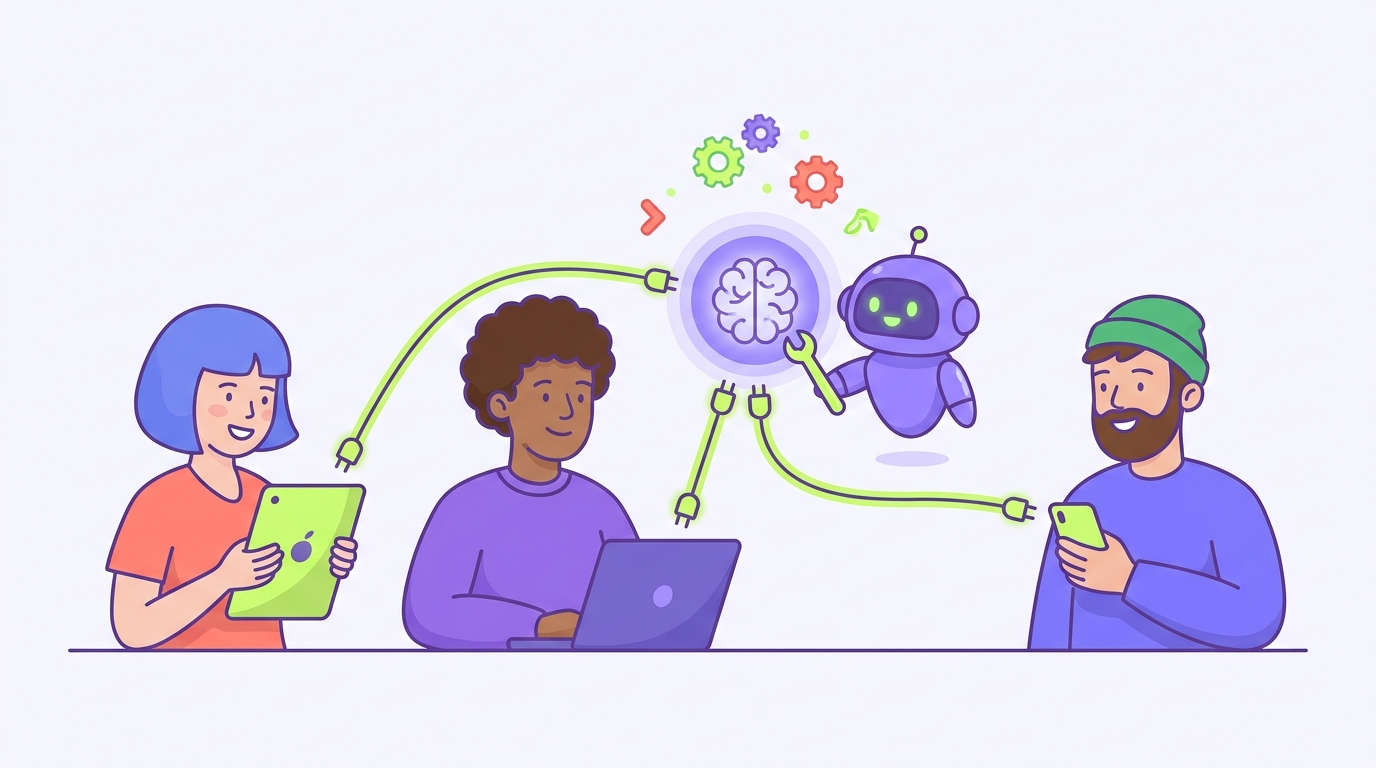
Short answer: each person connects their own AI once, and that’s a paste and a sign-in. What nobody on your team should be doing is each running their own MCP server, managing their own copy of the setup, or wiring anything technical. If a guide makes it sound like all ten people need to become part-time IT, that guide was written for developers, not for a team like yours.
This post explains what’s shared, what’s per-person, and how to roll a connector out to a whole team without anyone touching a terminal.
What MCP is, in one plain paragraph
MCP is a standard way for an AI like Claude or ChatGPT to plug into your tools and data. That’s the whole idea. You’ll see the acronym in your AI’s settings, but in practice it shows up as a connector: a link you add so the AI can read from a source, like your team’s shared workspace. From here on we’ll just say connector.
What’s shared once, and what each person does
Think of it like a shared drive. The drive gets set up once. Each person still signs in to it from their own computer.
Connectors work the same way. There are two parts:
The server side is shared, and one person sets it up once. This is the source the AI reads from: your team’s workspace and the connector link that points at it. With a hosted tool like TeamBrain, “setting it up” means creating the workspace and copying its connector link. Nobody runs a server, and nobody’s laptop is involved.
The connect side is per-person, and it’s small. Each person pastes that same link into their own AI’s connector settings and signs in once, so the AI acting on their behalf has their access and their permissions. That’s the “separately” part, and it’s the same effort as joining a shared Slack workspace. A minute or two, one time. In Claude this works on every plan, including free. In ChatGPT, as of 2026, it takes a paid plan and a one-time switch to turn on developer mode, and it’s still a beta feature, so budget a couple of extra minutes for ChatGPT users.
So the honest answer to the question is: yes, each person clicks connect, and that’s all the “separately” there is.
Why each person connecting their own account is a feature, not a hassle
You might want one shared login that everyone uses. Don’t do that. The per-person sign-in is doing real work for you.
It means the AI knows who’s asking. Permissions hold, so the person who should only read can only read, and the person who can edit can edit. When something changes in the workspace, there’s a name on it. And when someone leaves, you remove one person’s access instead of changing a password everyone shares.
None of that requires anyone to be technical. It just requires each person to sign in as themselves, the way they already do for every other tool.
The developer setup you can skip
If you’ve googled MCP, you’ve seen the other version: install this, run this command, keep a local server running on your machine. That’s a local MCP server, and it’s how developers wire an AI into tools on their own computer. For that use, per-person setup really does mean per-person installation, and it’s as fiddly as it sounds.
A team sharing one brain doesn’t need any of it. A hosted connector runs remotely, one copy, maintained for you. Your team’s ten people share the one source and each spend a minute connecting to it. If a tutorial has your ops manager opening a terminal, it’s solving a different problem than yours.
How to roll a connector out to a 10-person team
The whole rollout looks like this:
- One person creates the workspace and puts the first real context in it. (The full walkthrough is in How to give your team a shared brain with Claude and ChatGPT.)
- Invite the team by email and set each person’s role, whether they read, edit, or run things.
- Send everyone the same two lines: here’s the connector link, paste it into your Claude or ChatGPT settings under connectors, and sign in when it asks. Screenshot the settings path once and include it.
- Have each person run the same test: ask their AI something only the workspace would know. Real answer means connected.
The workspace is a single sitting to set up, and each person’s connect step is a couple of minutes. There’s no step five where someone maintains servers, because there are no servers on your side to maintain.
Setting this up now puts your team ahead
As of 2026, this is new ground for non-technical teams. The pieces only recently got simple enough that a team with no tech person can share one AI brain by passing around a link. Most small teams haven’t done it, which means the ones that do get consistent, context-aware AI work while everyone else is still pasting the company explainer into fresh chats. These tools move quickly, so check the dates on anything you read about MCP, this post included.
If you’re still deciding whether a shared source is worth it at all, start with Why does ChatGPT forget my company context and How to stop re-explaining context to AI every time. If you’re sold and just wanted to know whether rollout is painful: it isn’t. One person builds the brain, and everyone else connects to it in a minute or two.
Put your whole team on one shared brain.
Get the free guide to the new way of working with AI, then bring your team along.