
Is Claude's memory shared across your team?
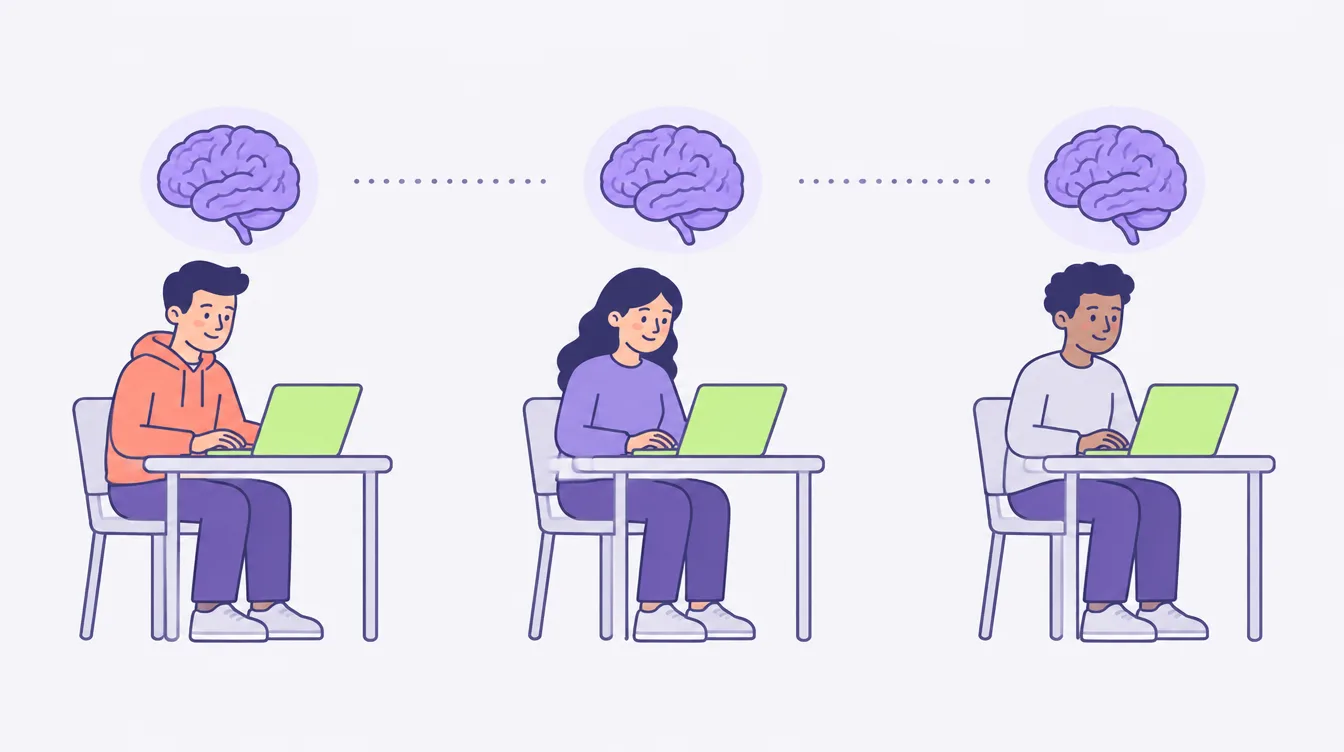
Short answer: no. As of 2026, Claude’s memory is per person. Each of your teammates builds their own, from their own chats, and nobody else’s Claude can read it.
That matters more than it sounds, because the feature itself is good. Turn memory on and Claude starts holding on to the things you would otherwise retype: how you like drafts written, which project is which, where the launch plan got to. You stop opening every chat with a paragraph of background, and for one person working alone that more or less closes the problem.
So the real question is not whether memory works. It is whether a memory that belongs to one person does the job a team needs. Here is what Claude actually remembers, what “memory for teams” turned out to mean, and what is left over once everyone has switched it on.
What Claude’s memory actually does, as of 2026
Credit where it is due, because this is a real feature and the honest version of this post starts there.
Memory arrived on Claude’s Team and Enterprise plans in September 2025 and reached Pro and Max that October. Claude saves things as you chat, one topic at a time, and carries them into your next conversation. You can also tell it to remember something directly. If you use projects, each project keeps its own separate memory, so the client work does not bleed into the product roadmap.
You can see all of it. Settings holds a memory summary listing what Claude has picked up, and you can edit that summary or tell Claude to stop tracking something. There is an incognito chat for the conversations you would rather it did not keep.
All of that is genuinely useful. Re-explaining your context at the start of every chat was work, and memory takes a good chunk of it away.
”Memory for teams” means the Team plan, not your team’s memory
Here is the distinction the name hides.
Anthropic’s announcement was titled “Bringing memory to teams at work”, and memory did land on the Team and Enterprise plans first. That is what “for teams” is describing: the plan it shipped on, and the kind of work it was built for.
It is not describing a memory your team shares. Read the documentation and every noun in it is personal. Claude generates memory from your chats. The summary lives in your settings. You switch it on, you pause it, you reset it, and resetting deletes your memories. Nothing in it describes a memory that a colleague’s Claude can read.
On Team and Enterprise plans it is even off by default, and an account owner has to turn it on for the organization. Once they do, each person gets their own.
So a ten person team that switches memory on does not end up with one Claude that knows the company. It ends up with ten Claudes that each know one person.
Ten private memories drift, and nobody can see it happening
On your own, personal memory is close to a complete fix. With a team it quietly creates a new problem.
Your operations manager turns memory on too, and hers learns her. It has read her chats, not yours, so it knows how she briefs Claude and nothing about how you do. Your version of the brand voice comes from the way you ask for things. Hers comes from the way she asks. Both are reasonable, neither is written down anywhere, and the two drift apart a little every week. Nobody notices, because nobody can see anyone else’s memory.
Then someone joins. Their Claude starts empty, and there is no version to hand them. They cannot be given yours, because it is not a document, it is an accumulation inside your account. The fastest they can go is to spend a few weeks teaching it what you already taught yours.
This is the same shape as the older problem of key knowledge living in one person’s head, with one new wrinkle: now the knowledge is in one person’s tool as well.
Two things a personal memory will not carry
The reasoning. Memory is very good at what you do. It is much weaker on why, because the why usually gets decided once, in a conversation somewhere else, and never restated in a chat for Claude to pick up. A memory that knows you send drafts on Thursday does not know that it is because the client reviews on Friday morning, so it cannot tell a new person when Thursday stops mattering.
The other tools. Claude’s memory lives in Claude. If half your team uses ChatGPT, or your VA works in one and your designer in the other, you now have two memory systems that cannot see each other. That is not a flaw in either product. It is what happens when memory is a feature of a chat app rather than something your company owns.
Both of these are worth sitting with, because they are the parts that do not improve when the memory features improve.
The fix is the same one it always was: one place everyone writes to
The principle has not changed since we first wrote about why AI forgets. Put the things that do not change, your voice, your products, your decisions and the reasoning behind them, somewhere outside any one person’s chat history. Then connect whichever AI each person prefers to that one place.
Personal memory and a shared place are not competing. Memory learns how you like to work. A shared brain holds how the company works. One is about a person, the other is about a business, and a team needs both.
That is what TeamBrain does. Your team’s context lives in one workspace, everyone connects the AI they already use, and a new person’s first chat starts with what the company already knows. Nobody switches tools and nobody re-explains.
So do you still need a shared brain?
If you are working alone, honestly, maybe not yet. Turn memory on, keep a short context document for the parts that matter, and get on with it. You are early rather than behind, and one good habit beats a system you are not ready for.
If there are five or ten of you, memory will make each person faster and will not make the team more consistent. That is the gap worth closing, and it is worth closing before the drift is expensive rather than after.
Two places to start, depending on where you are:
- How to give your team a shared brain with Claude and ChatGPT is the setup, no code involved.
- Does everyone on my team need to set up MCP separately? answers the question most people ask next.
One last note on timing. Anthropic and OpenAI change memory often, and this post describes where things stand in 2026. The specifics will move. The thing that will not is where your company’s knowledge lives, because that is your decision to make rather than theirs.
Put your whole team on one shared brain.
Get the free guide to the new way of working with AI, then bring your team along.