
How to stop re-explaining context to AI every time
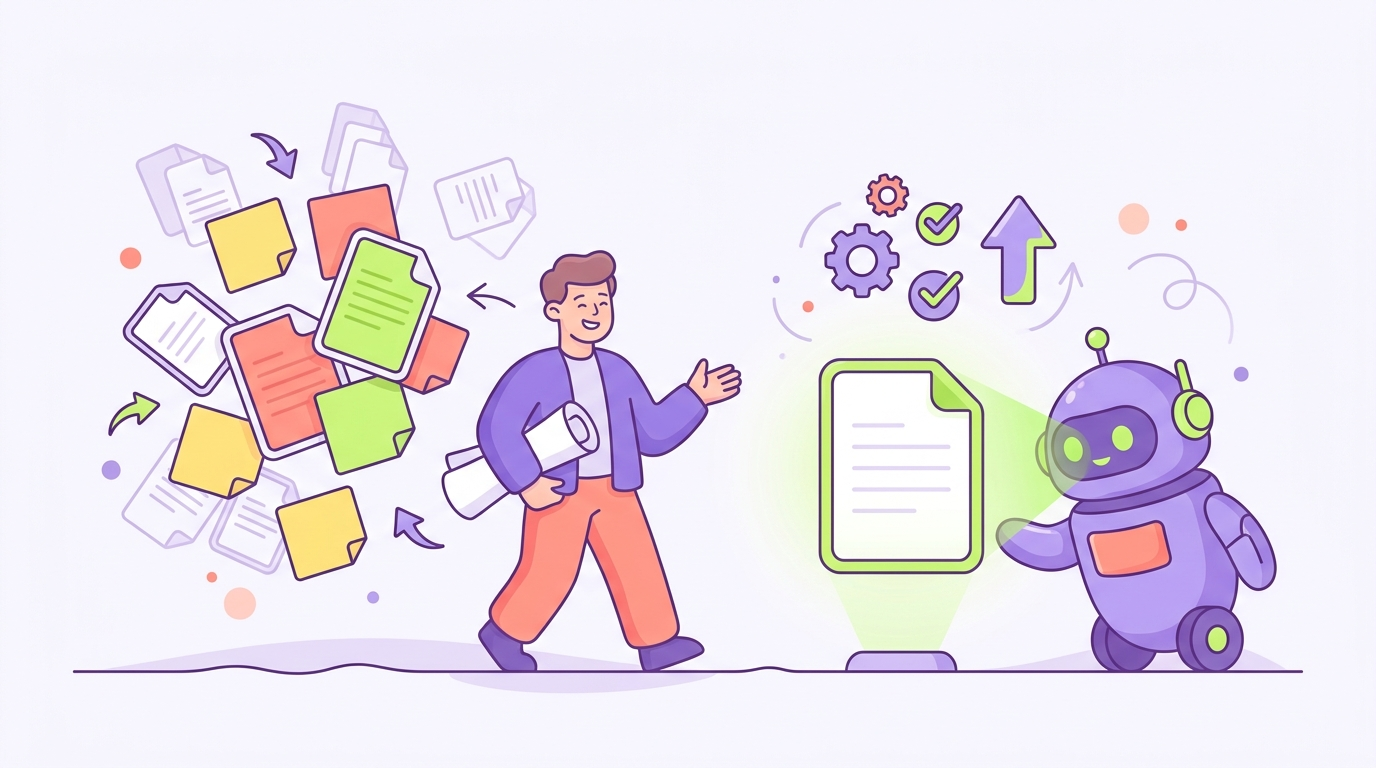
Every morning it’s the same routine. You open a chat, paste in the paragraph about what your company does, who your customers are, and how you like things written, and then ask for the thing you actually wanted. Skip the paste and the draft comes back generic.
You’ve probably built little workarounds already. A note file of go-to context blobs. A saved prompt you copy from. Maybe a text expander. They all work a bit, and they all have the same flaw: you’re still the one carrying the context to the AI, every chat, every day.
There’s a better setup. This post walks through the workarounds people try, why each one stalls, and the fix that actually removes the re-explaining instead of just speeding it up.
Why you keep re-explaining: the context lives with you, not the tool
A new chat starts empty. The AI only knows what’s in that conversation, so if your business context isn’t in it, the AI guesses. That’s the whole mechanic. We covered the why in more depth in Why does ChatGPT forget my company context, but the short version is that the tool has no place of its own to keep what you’ve told it.
So the context has to come from somewhere every single time, and right now that somewhere is you. Your memory, your notes file, your clipboard. The re-explaining isn’t a habit, so you can’t just break it. It’s work you’ve been doing by hand.
The paste-a-blob workaround, and where it stalls
The obvious fix is a master context doc. Write the company explainer once, keep it in a note, paste it at the top of every chat.
This is better than retyping, and if it’s working for you, fine. But watch what happens over a few months. The blob goes stale, because you update the business and forget to update the note. It grows until you’re pasting three pages to ask a two-line question. And it only covers the general stuff. The context a real task needs, like what you decided about that client last week, isn’t in the blob, so you type that part fresh anyway.
That makes the re-explaining faster, but it doesn’t make it go away.
Custom instructions and memory help one person, once
The tools themselves offer partial fixes, and they’re worth using for what they are.
Custom instructions let you save standing context in your account so every chat starts with it. Good for the stable stuff: what the company does, how you like answers formatted. The limits are size (you get a small box, not a knowledge base) and staleness (it’s another copy to keep updated).
Memory features do more. As of 2026, ChatGPT can carry things across your chats and Claude can look back at your past conversations. That’s genuinely useful. But it’s personal memory, on your account, learned from your chats. It doesn’t hold your project details, your process docs, or the decisions your team made. And none of it reaches the other people at your company, which matters more than it first seems.
The problem multiplies when your whole team is re-explaining
If it’s just you, re-explaining costs you a few minutes a day. On a team, something worse happens: everyone maintains their own version of the context.
Your version of the company blurb says one thing about tone. Your ops person’s version says something slightly different. The new hire has no version at all, so their AI drafts sound like a stranger wrote them. Five people are each doing the re-explaining job by hand, and the five explanations have drifted apart. The AI isn’t the inconsistent part. Your inputs are.
Any real fix has to work for the group, not just speed up one person’s pasting.
The fix: put the context in one shared place the AI reads from
Here’s the simpler way to think about it: stop carrying context to the AI, and give it a place to read from instead.
That means one shared workspace that holds what your company knows. What you sell, who your customers are, how you write, and what’s been decided. You write it down once, keep it current in that one spot, and connect your AI to it. Then every chat starts with the AI already reading from that source. Nobody pastes a blob. Nobody re-explains the client situation, because the client situation is written down where the AI can see it.
This is what TeamBrain is for. Your team’s context lives in one workspace, you connect Claude or ChatGPT to it, and the re-explaining goes away, because the context is no longer something a person has to deliver, it’s already there for the tool to read.
The knock-on benefit is the team one. Everyone’s AI reads the same source, so the drift stops too. There’s one version of the tone and one record of each decision. The new hire’s AI knows as much as yours does on their first day.
Where to start
If you want to set this up, How to give your team a shared brain with Claude and ChatGPT is the step-by-step, no code involved. If you’re still weighing whether the built-in memory features are enough for your case, Why does ChatGPT forget my company context goes deeper on what they do and don’t cover.
The test for whether you’ve fixed this is simple. Open a fresh chat, ask for something real without pasting anything first, and see if the answer sounds like your company. When it does, you’re done re-explaining.
Put your whole team on one shared brain.
Get the free guide to the new way of working with AI, then bring your team along.